

By Will Sawney
5 Minute Read

The most expensive software in the world isn’t the one with the highest monthly licence fee. It’s the one that nobody uses…
We’ve all seen the pattern: a company invests significant time and capital into a migration. The data is clean, the pipelines are mapped, and the automations are live. Everyone nods during the demo. But two months later, the sales team has drifted back to spreadsheets, the data is stagnant, and the leadership team feels like they’re back to square one.
Technology is easy. People are hard.
In my experience building sales technology stacks for everyone from Series A startups to boutique consultancies, I’ve learned that adoption isn’t an accident. It is a design constraint. If you don’t design for human behaviour from day one, you are building a ghost town.
To guarantee 100% adoption, we need to look at the problem through three concentric circles. If any one of these is broken, the system fails.
- The Why (Alignment): Connecting the company mission to the individual’s success.
- The How (Architecture): The specific design of the workspace that reduces friction.
- The What (Ritual): The daily habits that make the software invisible.
1. The Why: Alignment
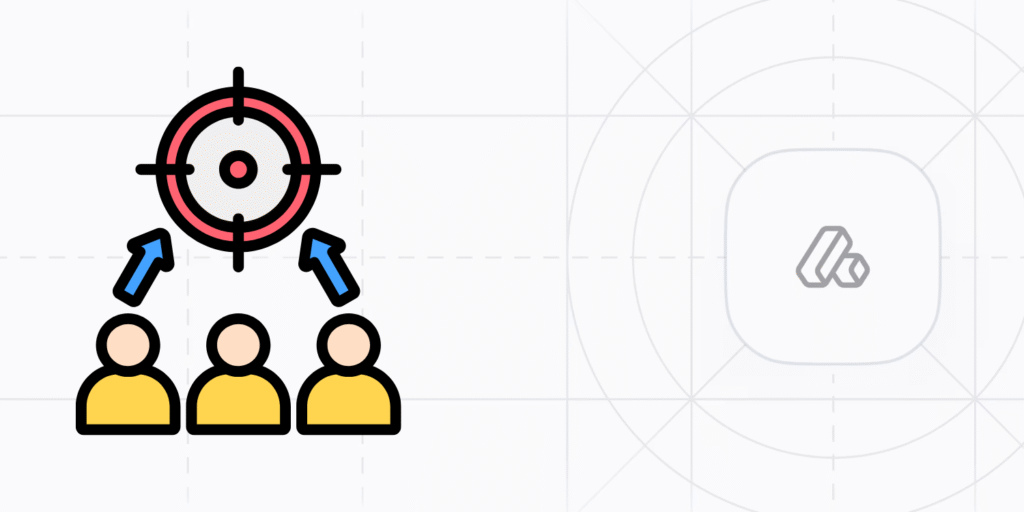
The Trap: Pitching CRM as “Better Reporting for Management.”
If your team suspects that Attio is primarily a tool for you to spy on their activity or generate board reports, they will resist it. They will do the bare minimum to avoid difficult questions, and not a keystroke more.
To achieve genuine adoption, you must align the Company Goal (Revenue/Scale) with the Personal Incentive (Commission/Ease).
The “WIIFM” Factor (What’s In It For Me?) You need to explicitly demonstrate how the system serves the individual contributor.
- The old way: “Update the CRM so I know what you’re doing.”
- The alignment way: “Use Attio because it automatically enriches the contact data, meaning you never have to Google a CEO’s LinkedIn profile again. It saves you 20 minutes of research per lead.”
If the system doesn’t make their job easier today, they won’t care about the company’s goals for tomorrow.
2. The How: Architecture
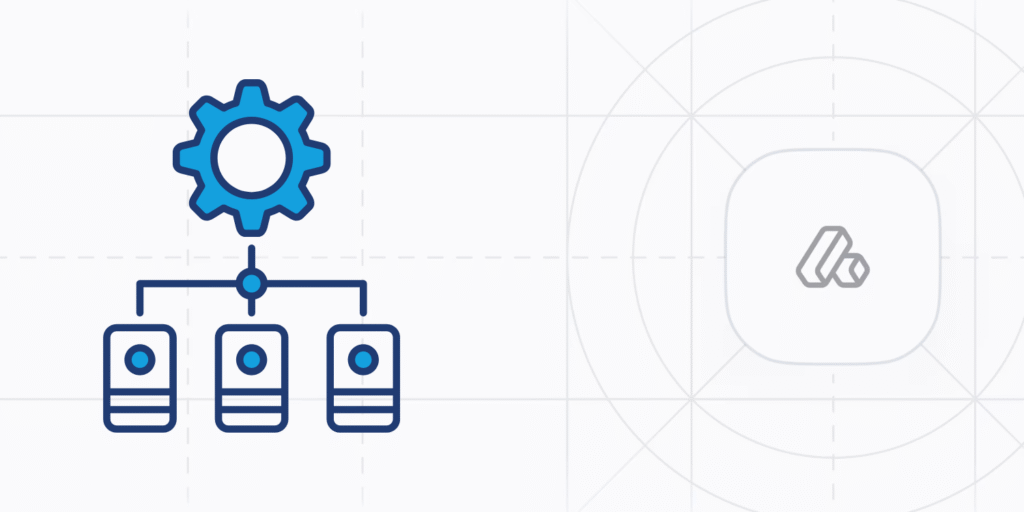
The Trap: Replicating the friction of the old system.
This is where the “Sideways” philosophy is critical. Adoption is often killed by bad design. If a user has to click five times to log a call, or if the “Create Deal” form asks for 20 mandatory fields that they don’t know the answer to yet, they will disengage.
We ensure adoption by designing a workspace that feels like a flow state, not a data entry job.
Reduce the “Time-to-Value” Every interaction with the CRM should “give” more than it “takes.”
- Enrichment First: Leverage Attio’s enrichment. If a rep types in a domain name and the system instantly populates the logo, description, and sector, you have bought their trust.
- Zero-Friction Views: Don’t clutter the screen. Salespeople should only see the fields they need for that specific stage of the pipeline. Hide the complexity until it’s needed.
- Email Sync is Non-Negotiable: If a rep has to manually copy-paste emails into the CRM, you have already lost. Ensure the email integration is robust so the history builds itself.
3. The What: Ritual
The Trap: Hoping people will “just figure it out.”
This is the behavioural layer. You cannot just email a login link and hope for the best. You need to build the tool into the rhythm of the business until using it becomes muscle memory.
The “Monday Morning” Rule The fastest way to kill adoption is for a manager to say: “I looked at Attio, but the data was old, so I pulled a report from the old system.”
- The Fix: Run your sales meetings from the Attio Kanban board. Screen share or project it in the meeting room.
- The Hard Line: If a deal isn’t on the board, it doesn’t exist. It doesn’t get discussed. It doesn’t get resource. This forces the behaviour change immediately.
The “Alt-Tab” Test Friction kills adoption. If a rep has to constantly switch tabs to find a phone number, check an email history, or see if a colleague has spoken to a prospect, they will eventually default to their old spreadsheets.
- The Fix: Centralise the context. Sync emails, enrich data automatically, and install the Chrome Extension so they can update Attio while browsing LinkedIn.
- The Standard: A rep should be able to work a deal from start to finish without leaving the Attio environment. If they have to “go somewhere else” to find the answer, the adoption loop is broken.
Troubleshooting: 5 Common Adoption Blockers
Even with the best launch, you will hit resistance. Here is how to handle the most common personas and problems.
1. The “Top Biller” Prima Donna
- The issue: “I bring in the most revenue; I don’t have time for admin. My spreadsheet works fine.”
- The fix: Do not fight them on authority. Woo them with utility. Show them one specific feature that solves a headache for them – like the automated follow-up reminders that ensure they never drop a ball. Once they see it protects their commission, they’ll convert.
2. The “Data Distruster”
- The issue: “I stopped looking at it because the data is messy/duplicates exist.”
- The fix: This is a “Broken Windows” problem. If the house looks messy, people treat it messily. You need a “Spring Clean” sprint. Archive old data ruthlessly. A smaller, cleaner database is used 10x more than a massive, dirty one.
3. The “Overwhelmed” Newbie
- The issue: “There are too many lists and views; I don’t know where to look.”
- The fix: Simplify their permissions. Create a “My Dashboard” view that filters out everything except their active leads and their tasks. Give them tunnel vision so they can’t get lost.
4. The “Shadow System” Architect
- The issue: They nod in meetings but secretly run their entire pipeline on a private Notion page or Excel sheet because “it’s faster.”
- The fix: Invite the shadow. Ask to see their Notion setup. Usually, they have built a specific view or field that Attio is missing. Build that exact view for them in Attio. If you make Attio behave like their beloved spreadsheet, they will switch.
5. The “One-Way Street” Manager
- The issue: The manager demands data entry but never shares insights back. The team feels like they are feeding a black hole.
- The fix: Close the loop. In the next meeting, use the Attio data to give the team something valuable, like a “Win Rate Analysis” or a “Stalled Deal Alert.” Show them that their data entry is resulting in strategic help, not just surveillance.
5 Practical Interventions: How to Shake Things Up
If your adoption has stalled, don’t just send a nagging email. Try one of these interventions to reset the culture.
1. The “Live” Workshop (Not a Demo) Most training fails because it is passive. Don’t present to your team.
- The Intervention: Get everyone in a room with their laptops open.
- The Task: “Right now, everyone find your top 3 prospects for this week. Add them to the pipeline. Now, add a note to each.”
- The Result: You force the muscle memory. They leave the room knowing they can do it.
2. The Loom Library Documentation is boring; nobody reads PDFs.
- The Intervention: Create a dedicated Slack channel or Notion page with 60-second Loom videos. “How to add a contact,” “How to filter by Industry,” “How to sync your email.”
- The Result: Micro-training at the point of need.
3. The Usage Audit Sometimes, the users are right; the system is annoying.
- The Intervention: Invite a sales rep to show you how they use the system. Watch them work. Don’t say anything.
- The Result: You will spot the friction points immediately. “Why did you click there? Oh, I see – that button is in the wrong place.” Fix the friction, and you fix the adoption.
4. The “Amnesty Day” When a backlog gets too big, people give up.
- The Intervention: Declare an “Admin Amnesty.” Tell the team: “Anything older than 3 months that hasn’t been touched is getting marked as lost on Friday.”
- The Result: This removes the guilt of a messy pipeline. It gives everyone a clean slate and a fresh start, which is often all they need to re-engage.
5. The “Quick Win” Dashboard Adoption is often boring. Make it visible.
- The Intervention: Create a simplified dashboard that tracks only positive metrics, like “New Deals Created This Week” or “Tasks Completed.”
- The Result: People like seeing their numbers go up. By simplifying the feedback loop, you gamify the usage and create a small dopamine hit for doing the admin.

The Alternative: The Sideways Attio Adoption Programme
Reading this list, you might be thinking: “This makes sense, but I am a Commercial Leader, not a Systems Trainer. I don’t have time to police this.”
You are right. You shouldn’t be the one nagging your team to log calls.
That is why I developed the Sideways Attio Adoption Programme.
This is a structured, 6-week programme designed to take the adoption burden off your shoulders. We don’t just hand you the keys to the software; we stay in the passenger seat until your team are expert drivers.
How it works:
- Weeks 1-2: The Friction Audit. I review your current setup to find the “clicks that kill.” We simplify views, automate manual tasks, and ensure the “Architecture” (The How) is flawless.
- Week 3: The Launch Workshop. I run the live, interactive session with your team to install the habits and the “Rituals” (The What).
- Weeks 4-5: Shadowing & Micro-Coaching. I monitor usage, sit with your team members, and record the “Loom Library” of training assets so you don’t have to answer the same question twice.
- Week 6: The Handover. We review the adoption metrics and set the “Monday Morning Rule” in stone.
The Result: A sales team that trusts the data, and a sales leader who can focus on strategy, not being a nanny.